


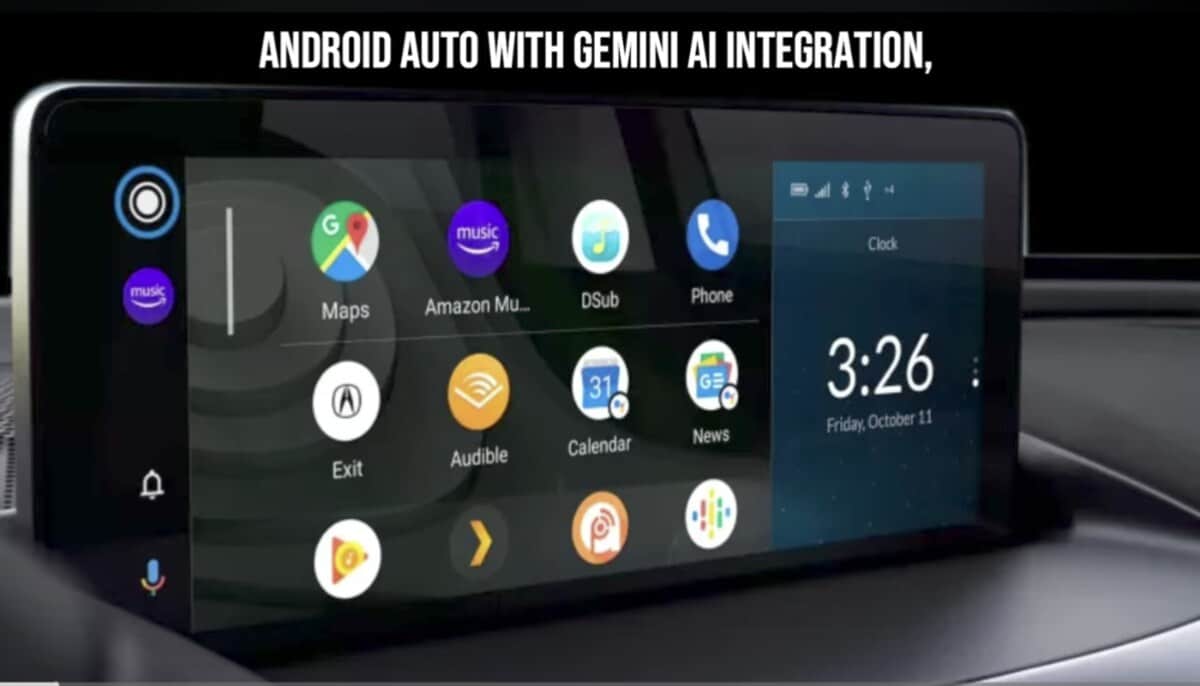
Google has started rolling out the Android Auto 16.1 beta update, following the release of the Android Auto 16.0 beta last week. After Android Auto 16.0 reached stable users, the company has now moved ahead with a new beta build for testers enrolled in the beta program.
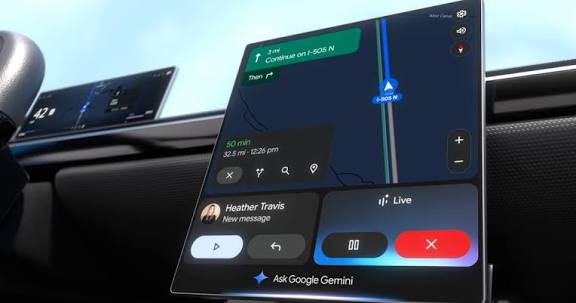
While the update is currently available only to beta users via the Play Store, anyone can still install it manually by downloading the APK file using the link provided below.
Android Auto 16.1 Beta: What’s New?
Google continues to work on multiple improvements for Android Auto, and recent builds suggest the company is preparing several new features for public release. Over the past few updates, hidden changes and UI tweaks have been spotted, and Android Auto 16.1 beta continues that trend.
Although none of the upcoming features have been officially enabled yet, optimism remains high that Google could begin rolling them out in the coming weeks.
Wavy Media Progress Bar Spotted
One of the latest changes spotted in recent Android Auto builds is a wavy progress bar for media playback. This visual effect has been confirmed to work with apps such as YouTube Music and Spotify.
The Android Auto 16 stable update previously revamped the media player interface, adjusting button placement and improving overall usability. The newly discovered wavy progress bar appears to be part of those ongoing media UI enhancements.
For now, this is the only confirmed change in Android Auto 16.1 beta, but many users are still waiting for the new Media Card feature to arrive.
Android Auto 16.1 Beta Update Details
- Version: v16.1.1603
- File size: ~38MB (smaller via Play Store)
- Availability: Beta channel (APK available for manual install)
At the moment, it’s unclear whether this update addresses major issues, including the ongoing problems with the traditional Google Assistant. However, there’s speculation that more users may gain access to Gemini AI following this update.
Early reports suggest the update is stable, with no widespread bugs reported so far. If you encounter any issues, you can always uninstall the update and revert to a previous version.
How to Download Android Auto 16.1 Beta Update
Google is distributing Android Auto 16.1 beta through the Play Store for beta testers. However, users who are not enrolled in the beta program can still install the update manually.
Steps to Install the APK:
- Download the Android Auto 16.1 beta APK from this link
- Open your device’s Downloads folder
- Tap the APK file to begin installation
- Launch Android Auto once installation is complete
If you experience any issues after installing the update, feel free to let us know in the comments.
Final Thoughts
Android Auto 16.1 beta doesn’t introduce major visible features yet, but it continues to lay the groundwork for upcoming enhancements. With media UI changes already rolling out and Gemini integration still in progress, more improvements are expected soon.
Stay tuned for further updates as Google continues refining the Android Auto experience.
