


Ahead of a stable release, beta testers are receiving the Android Auto 16.3 update. It’s one of those rollouts that brings no user-facing changes. However, it does hint at future additions that Google has been working on for over a year now.
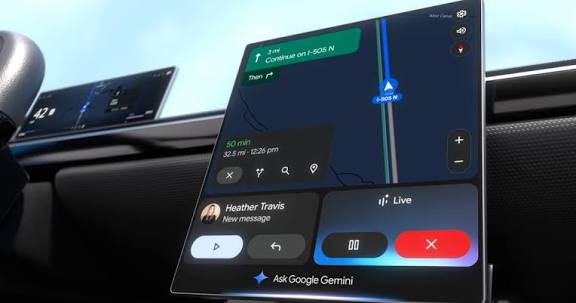
While Android Auto 16.2 is beginning to arrive for stable users, Google has started rolling out the Android Auto 16.3 beta update. As usual, the update is not rolling out with any changelog, and since there are no user-facing changes either, we believe it’s focused on bug fixes. Perhaps you should install the update if you are having any issues with your app; otherwise, you might be more interested in what’s to come.
Google has been working on a light theme for Android Auto for months now. We understand work is continuing as a new string has been seen on the latest Android Auto build. It suggests Google is working on a light/dark theme toggle. It’s still early, hence users are not seeing any changes yet.
It’s not the first time this particular line of code has appeared on an Android Auto build. Hence, another flag showing might not mean much other than Google is still working on the feature. We can also say the same about video apps on Android Auto.
We have been seeing a string of code suggesting the arrival of video apps on Android Auto. Google continues to perfect the plan after it was first announced in May 2025. Unfortunately, they didn’t put a timeline on the arrival, so it’s hard to say when it will become available for users.
Additionally, we do not know how it would work; we are sure video apps will not work while the car is in motion. As Google continues to work on the feature, we expect a release in the coming months. It will first debut for beta testers before making its way to everyone.
Download Android Auto 16.3 beta APk file.
Google is rolling out a new update in the beta channel. It’s available via the Play Store, but only if you are part of the beta program. Otherwise, you should follow this link and download the build. It has a software version V16.3.1607 and weighs about 38MB. After downloading the files, locate them in your download folder and begin the installation.
