



While Snapchat is designed primarily for sending and receiving snaps with your friends, it can also be a safety tool. Whether it is for monitoring your child or spouse, the app does a good job of keeping tap with people sharing their location with you.
Like other social media platforms, you can now share your location on Snapchat. Depending on your settings, those you are sharing your location with can see the exact place you are once they log in on Snapchat and visit your profile.
How does location sharing work on Snapchat?
Snapchat has what is called Snap Map. It is a map that shows your location to your friends when Ghost mode is not enabled. You can send live locations to friends, and they will locate you using the Snap Map. It is an essential part of the app for people to discover their friends’ whereabouts.
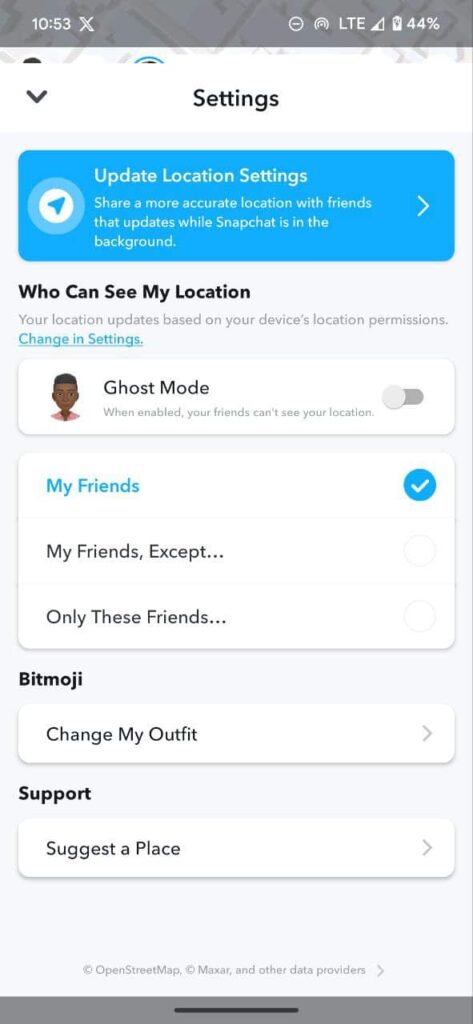
However, you decide who sees your location on Snapchat. There is another option to share with “My Friends” “My Friends Except” and “Only these Friends.” The latter allows you to choose people you want to see in your real-time location, but you can enable Ghost Mode to hide your whereabouts from everyone.
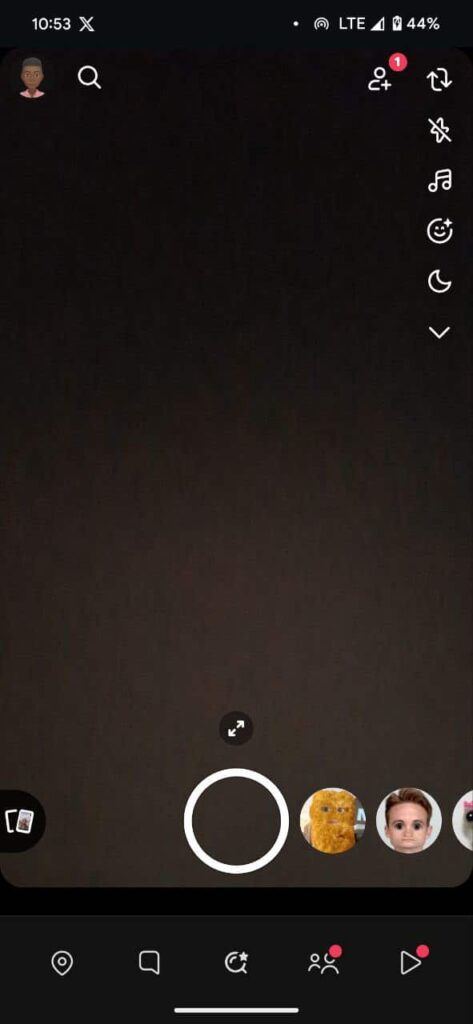
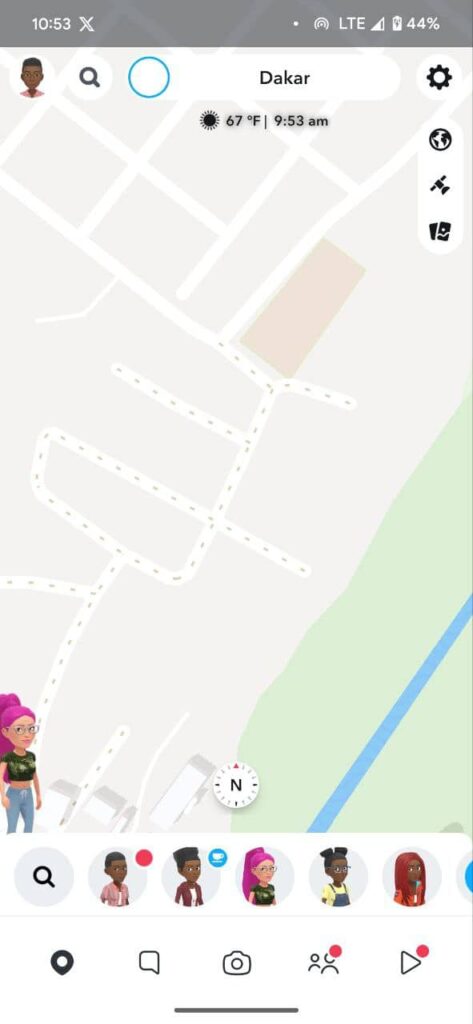
- Launch Snapchat and tap the map icon on the bottom right.
- Tap on the gear icon at the top right.
- Under ”Who Can See My Location;”
- Enable Ghost Mode if you want to disable friends from seeing where you are.
- Below, you can use the three options to adjust who can see where you are on the Maps.
How to share your location on Snapchat
Interestingly, if you have Ghost Mode enabled, you can still share live locations on Snapchat with your friends. Unfortunately, we do not know how long the link remains active, but you can delete the message to stop your friend from tracking your location.
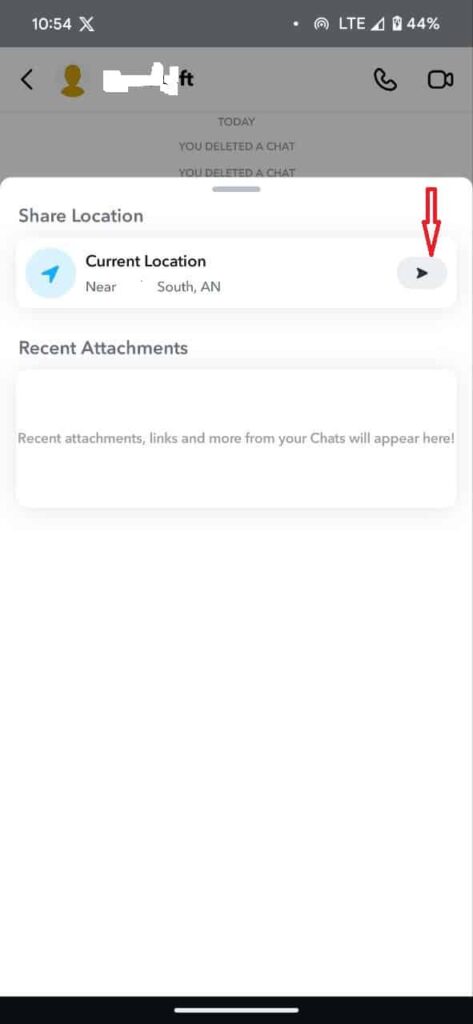
- Launch the Snapchat app.
- Tap on the friend’s icon or message tab if you have messages with the person already.
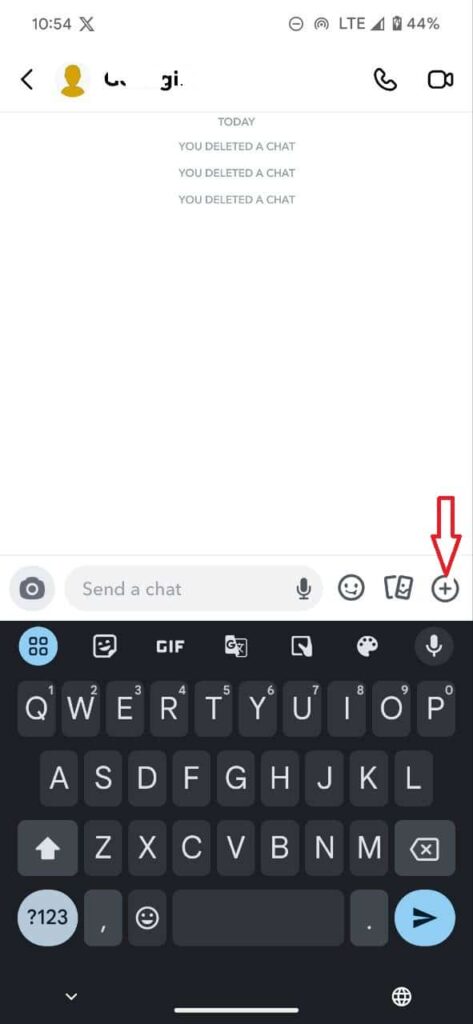
- Open the chat of the friend you wish to share a live location with
- Tap the + icon on the bottom right beside the message box.
- You will see the current location tap on the Send button.
- Your friend will get the message, and with the link, he/she can find your location.
Another way to share your live location on Snapchat;
This method works even when you have Ghost Mode enabled. However, you will get a prompt just before sharing your live location that you will exit Ghost mode to share the location.
- Launch Snapchat and head to the Friends tab.
- Tab and hold the friend you want to share your location with.
- Tap on the Map that appears.
- When the map opens, on top of your friend’s Bitmoji, you will see “Let ‘name your friend’ see my location.”
- Tab on it, and you will get a prompt “Share your location and exit Ghost mode”
- Tap Share Location
What happens after you Tap Share Location – all your friends, depending on your settings, will be able to see your location. It does not share your location with just one person, but everyone will see it. To share your live location with just one person, use the inbox method.
How do you know when someone views your live location?
If your location is visible to everyone on Snapchat or your friends, you will not know when they have viewed your live location. However, you will have an idea of that when you share that with them via their inbox. You will know when they open your message, meaning they have probably viewed your location.
Conclusion
It is probably more easy sharing your location on Snapchat compared to other social media platforms. However, the app does not let you manage your privacy like Google Maps. Unless you only have friends that you know on your list and close families, we do not recommend sharing your location using Snapchat.
Follow us YouTube
