



You might not know that you can add friends on Snapchat by location. Yes, it is possible to send a friend request to people who are not even close to where you are. Initially, you can only subscribe and see their future snaps, but recently, you can add them as friends. When they accept your request, you can send messages and snaps.
Snapchat has a Map that lets you find people from anywhere in the world. Interestingly, you cannot only view their Snaps but also add them as friends. However, they must accept your request before you can send them messages. Meanwhile, there are rare cases where you can exchange messages even before your request is accepted.
Why add people on Snapchat based on Location?
There are many reasons for that, maybe to make friends from other countries. Learn a new culture or language, and perhaps you are planning on migrating to that country. Making friends in that location before you finally move there would be ideal for you to settle down quickly.
New friends: Like other social media platforms, you can make friends on Snapchat. That is probably why the map is there to allow you to navigate to other regions and make a few friends. It is also necessary for someone migrating to a new place – making friends from that region on Snapchat will help them to settle quickly when they arrive.
Learn new culture: People believe in different things and have different ways of life. Visiting a new location on Snapchat will let you see some of these things. Also, there are many languages in the world, and Snapchat might be one place to make new friends who might be willing to teach you their language.
Also read: How to search and find someone’s location with Google Map for free.
How to search and add friends on Snapchat
You probably have seen different ways to do this, but Snapchat keeps changing them. Currently, here is how you can make new friends on Snapchat. These are people you do not know already.
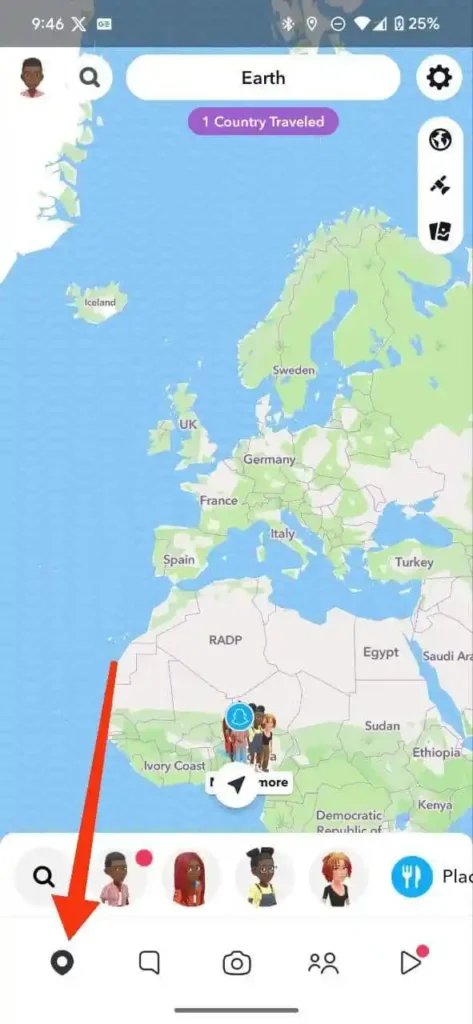
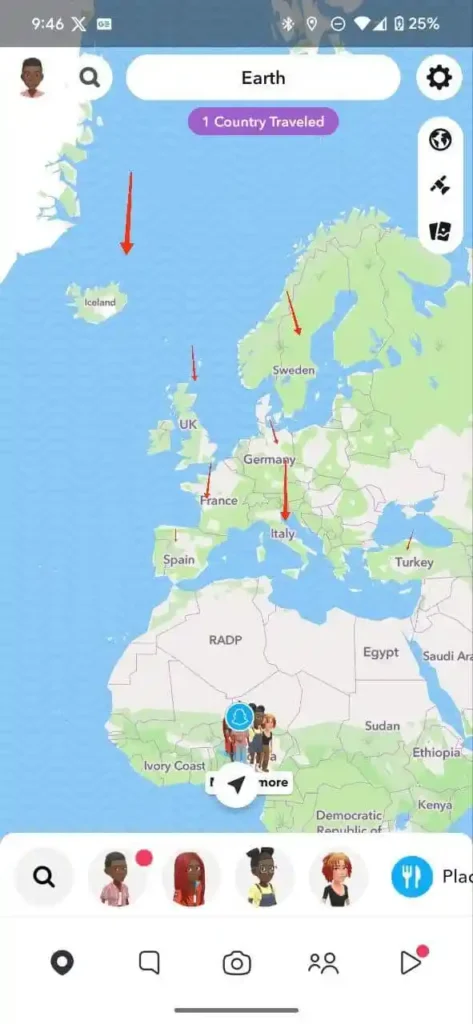
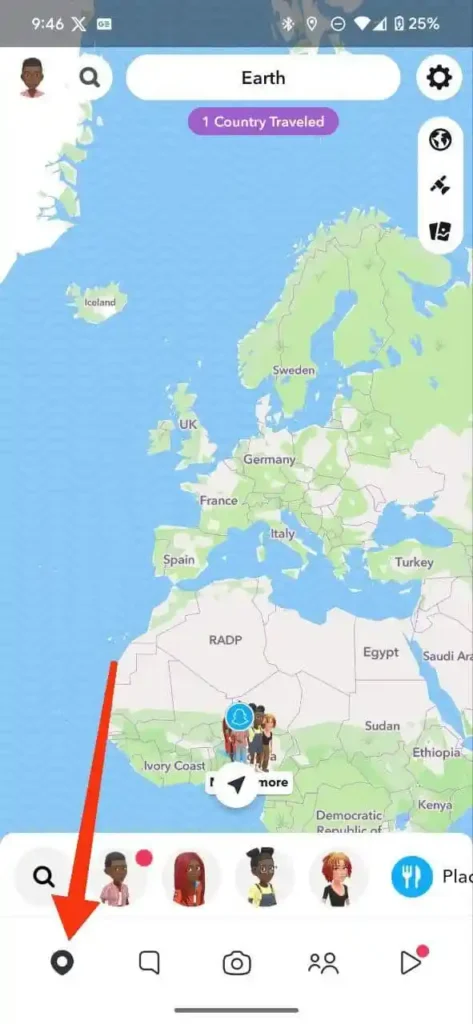
- Step 1. Launch the Snapchat App and tap on the GPS icon
- Step 2. Zoom out to find the country or region you wish to make new friends from.
- Step 3. Tap on the country, and you will start seeing Snaps of people who live there.
- Step 4. Tap on the screen to see the next available Snap, and when you see someone, you would like to add as a friend, go to the next step.
- Step 5. Below your screen, you will see the person’s name, tap on it.
- Step 6. Once you are on their profile, click Add, and a request will be sent to them.
- Step 7. Wait for the person to accept you, and you can exchange messages.
That is about making friends on Snapchat from different locations using the Snap map. Meanwhile, you can only use this method when you must have granted Snapchat access to your location. The app needs your precise location to function properly, but you can grant it limited access. That is only when you are using the app will it know your whereabouts.
Usually, you must grant permission before you can use the app, but if you bypass it somehow, here is how you can enable it.
On Android
- Press and hold the Snapchat icon. Tap on the icon at the top left corner of the box that appears.
- Or you can head to Settings>>Apps>>Snapchat
- Click on Permission>>Location
- Select Allow while using this app
- Below, you should make sure you are using a precision location
On iPhone/iOS
- Go to the Settings App and scroll down to Snapchat
- Tap on it and then select a location
- Choose While Using the app and toggle on the precise location.
How to find friends you might know on Snapchat.
Of course, social media is about making or reconnecting with people you know or lost contact with. Luckily, you can reconnect with them on Snapchat using the Add Friends button.
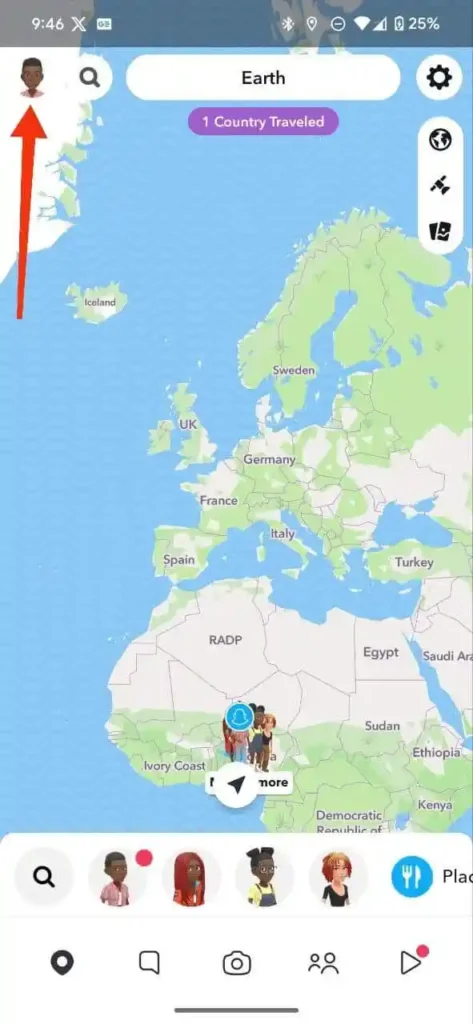
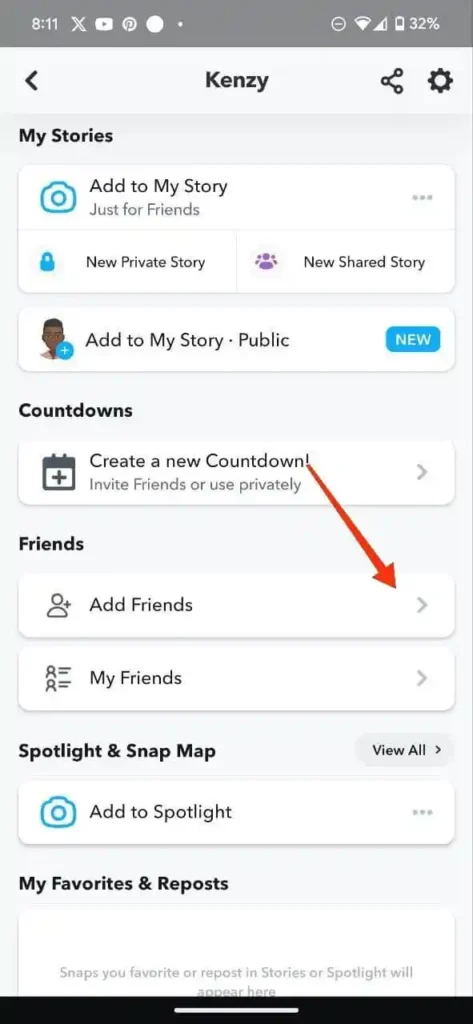
- Open the Snapchat app and tap on your profile avatar
- Scroll down and tap Add friends
- You will see people who have added you as friends, and below are suggested friends.
- Under Quick Add, you will see many people you might know. You can go through their profile or just send them a friend request.
- If you wish to add friends from your contacts, Click All Contacts beside Quick Add.
Conclusion
Snapchat is the best platform to make friends from all over the world with ease? The Snap Map makes it possible to travel the earth from the comfort of your home. It is easy, and in doing that, you can learn a new culture and language, and also see the world without even traveling.
