


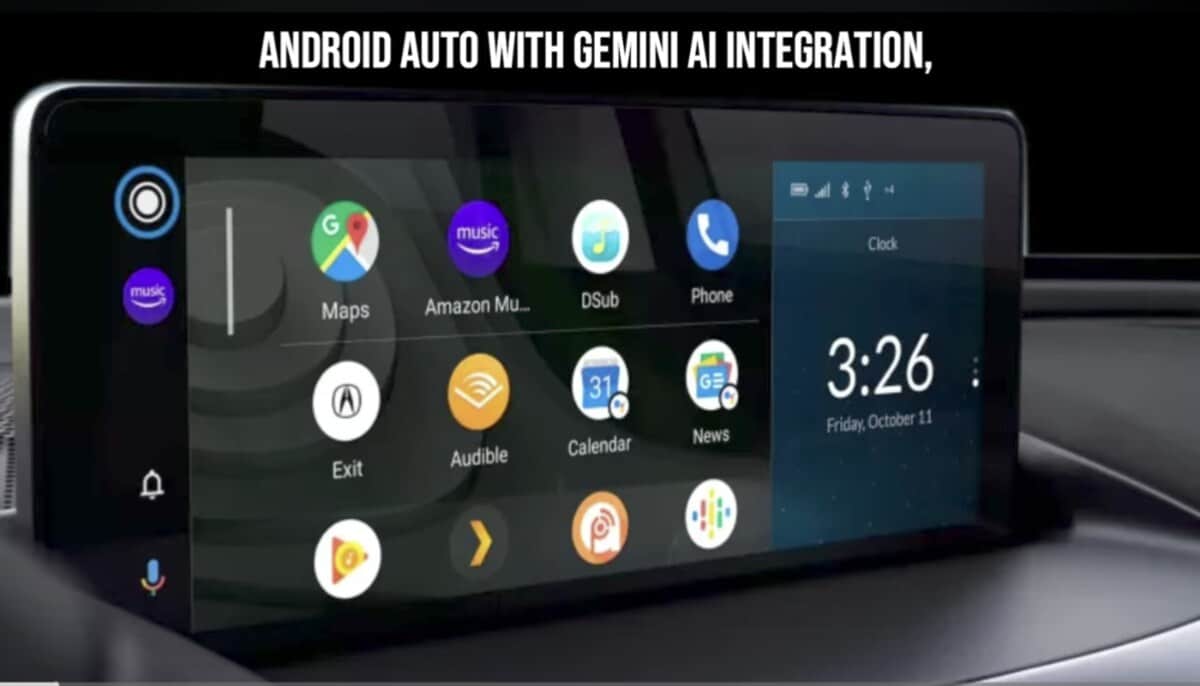
Google has officially started rolling out the Android Auto 16.8 stable update to users worldwide. The new release arrives after a successful beta testing phase, meaning everyone can now install the latest version through the Play Store or via APK download.
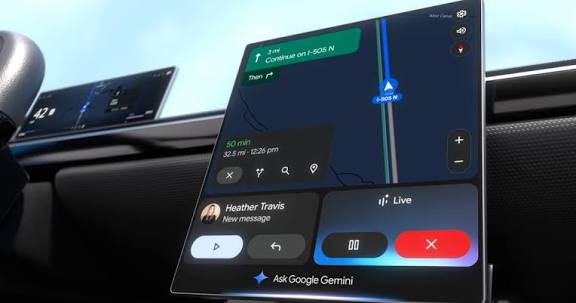
While Google has not published an official changelog for Android Auto 16.8, the update is expected to include bug fixes, stability improvements, and background preparations for upcoming features.
Android Auto Widgets Could Arrive Soon
One of the most anticipated Android Auto additions currently in development is widget support. Recent beta builds revealed traces of the feature, suggesting Google may be getting ready for a public rollout.
There is a possibility the company could officially announce widgets during the upcoming Google I/O event scheduled for the coming days.
Reports indicate Google is taking a different approach with widgets on Android Auto. Instead of offering a simple floating panel, the company appears to be integrating widgets directly into the existing Android Auto interface. Considering the limited infotainment screen space available in vehicles, Google likely wants to avoid a cluttered experience while still making widgets useful and accessible.
At the moment, some users have reportedly managed to enable widget functionality using third-party launchers, although the feature is not yet officially available.
Why You Should Install Android Auto 16.8
Even without a published changelog, installing the latest Android Auto update is recommended, especially for users experiencing connectivity issues, crashes, or random bugs with previous versions.
So far, there have been no widespread complaints or major bug reports related to Android Auto 16.8 stable, which is a positive sign for the release.
Android Auto 16.8 Stable Update Download
Google is currently rolling out Android Auto 16.8.1618 stable through the Play Store. To install the update, your device must be running Android 9 or newer. Users who do not want to wait for the staged rollout can also sideload the APK manually using a trusted APK provider.
If you install the new build, let us know whether any previously reported Android Auto issues have been fixed.
