


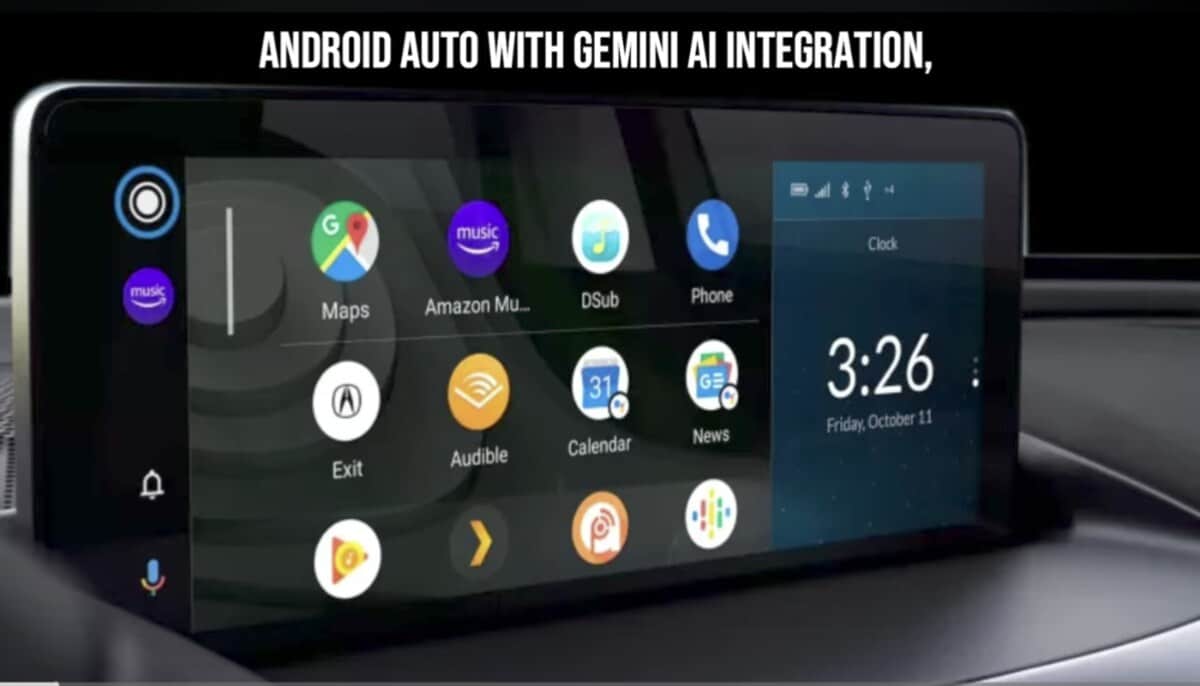
Late last month, Google released Android Auto 16.1 in the beta channel, and after a few days, it became available to everyone. The company is now rolling out Android Auto 16.2 beta to select users. However, you can install the APK file using the link below if you cannot wait for the stable release.

Android Auto is plagued by many bugs, and with each update, Google tries to resolve these issues. Unfortunately, we do not get to know the problems that have been resolved, as no changelog is released along with these updates. However, thanks to early adopters of Android Auto 16.2 beta, we understand the Steering wheel issue has been resolved, and the new Media player reintroduced.
Details of Android Auto 16.2 beta update
Google is rolling out a new Android Auto update with version number V16.2.160604. The update size is about 38MB, but it is smaller on the Play Store. You can only download it when you are part of the beta program group.
While there is no changelog as usual, the update seems to have addressed some issues. It also brought back the revamped Media Player that was rolled back due to the Steering wheel issue. Again, Google has limited this release to select users to preview these fixes before making them available to the public.
We recommend waiting for a stable build before jumping on the latest release, especially when you are not part of the beta testers. Nevertheless, you can uninstall the update if you experience any issues after installing it.
How to download Android Auto 16.2 beta update
Android Auto 16.2 is available via the Play Store, but only to select users. You can use this link to download the APK file and then install it manually. As always, you can uninstall the update and move back to the older version if you encounter any problems.
